
Mobile app development
An app you open from your phone screen
We build cross-platform apps with React Native or Flutter — one codebase that produces both the iOS and the Android app — and installable web apps that reach the phone straight from the browser, with no app store. Which one fits becomes clear once we settle what the app has to do.
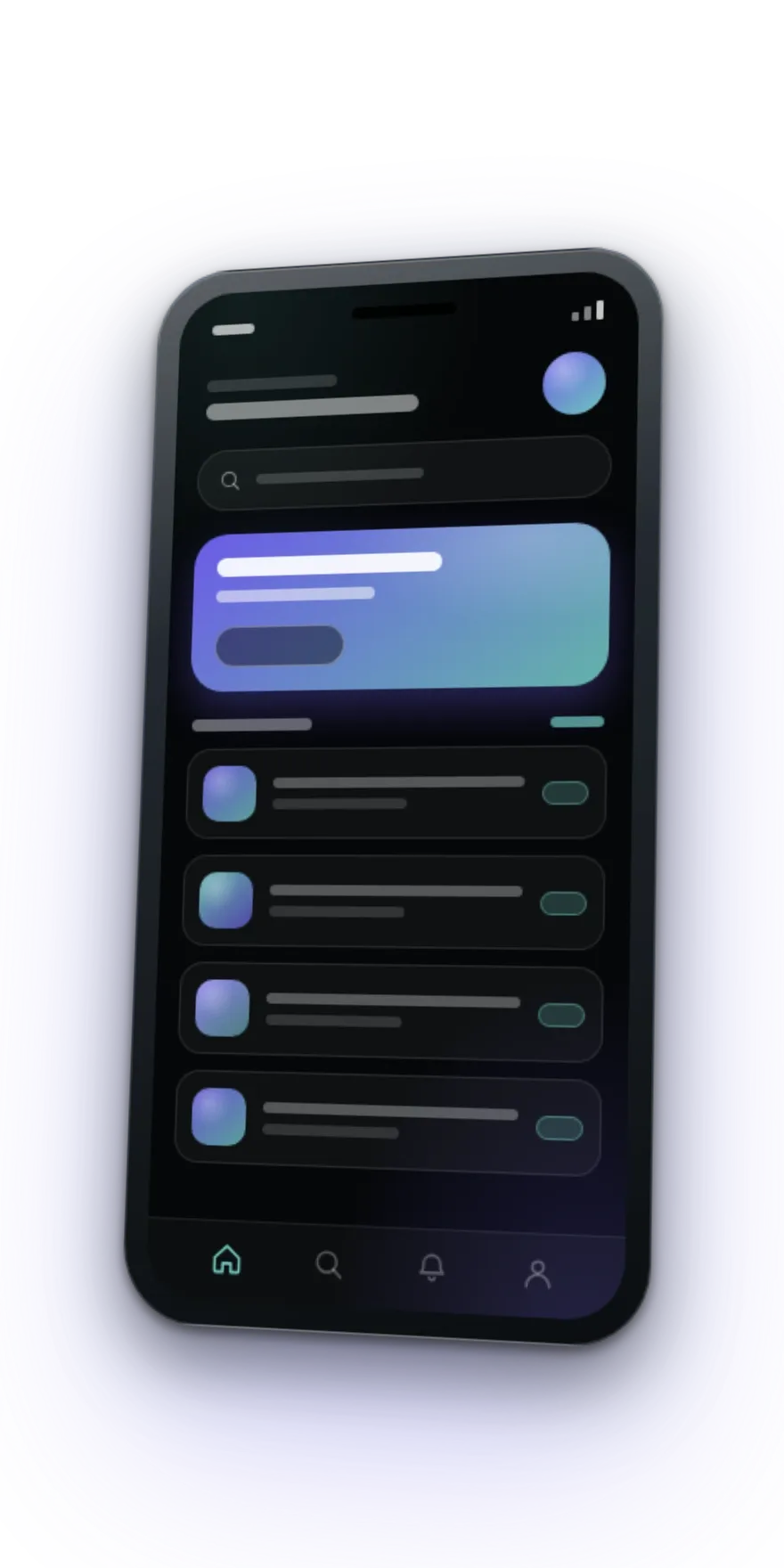
What we build
Two kinds of app, for two situations. Neither is better than the other — one is a better fit, and which one follows from what the app has to do.
Cross-platform apps
React Native or Flutter: one codebase that produces both apps. They install from the App Store and Google Play, reach the camera, notifications and location, and can work offline where that makes sense. The right choice when the app is used often and has to feel like part of the phone.
Installable web apps
Added to the phone screen straight from the browser, with no store and no versions to download — one update reaches everyone at once. They start sooner and cost less, but access to the phone’s own features is more limited, on iPhone especially. The right choice when the app is really an interface over something you already have.
What a flow looks like on a phone
Three screens, to show the shape: you choose, you fill in, you confirm. The content changes from project to project; what stays is how little a person has to do to get to the end.
You choose
The first screen puts what the person came for in front of them. No menu to explore and no welcome screen to get past.
You fill in
As few fields as possible, each with the right keyboard, and mistakes shown as they happen rather than after you hit send.
You confirm
The confirmation stays on the phone with no signal — because that is exactly when a person opens it, at the door or in the car.
How the work runs
The order matters: what changes on a drawing costs a day, and what changes at the end costs a month.
- 01
Settle what the app does
A conversation about who uses it and what they need to get out of it. The screens come from that — not from a list of features.
- 02
Draw the flows
Every screen and every path between them, before any code. This is where a change is cheap, and later it is not.
- 03
Build in iterations
You see the app running on your own phone while it is being built, not only at the end. Whatever does not feel right gets fixed while fixing it is cheap.
- 04
Test on real phones
A simulator does not show how a tap feels, what the battery does, or what happens on a weak connection. Those show up on a phone, in your hand.
- 05
Publish, and stay on updates
We prepare the builds and the store copy, and after launch we keep the app working with new versions of the operating systems.
What every project includes
Things that are not up for negotiation, because without them the app is not really yours.
- The code in your repository, from day one
- Apple Developer and Google Play accounts in your company name
- Testing on real phones, not only on a simulator
- A screen for no connection, so the app does not look broken
- Build documentation, so you do not depend on us to compile it
Tell us what the app should do
Write us a few lines about who it is for and what a person needs to be able to do in it. You get back a proposed set of screens and an effort estimate — plus an honest opinion if a website would answer the same need for less.
Frequently asked questions
Do I need an app, or is a website enough?
The useful question is whether people come back. An app earns its place when someone opens it more than once: repeat orders, bookings, an account, notifications that are genuinely useful. For something people look at once, a well-built website is enough — and we will say so, because an app nobody reopens is money spent on an icon.
Cross-platform, or native on iOS and Android separately?
We build cross-platform, with React Native or Flutter: one codebase instead of two means less to build and, more to the point, less to maintain every year. Some projects do need native, though — heavy graphics, video processing, deep ties into the operating system. If yours is one of them, we say so at the first conversation, not halfway through the project.
What is an installable web app, and what can it not do?
It is a website built to behave like an app: added to the phone screen from a browser menu, opening without an address bar, able to work without a signal. What it cannot do: appear in the App Store or Google Play, and on iPhone its notifications and access to phone features are more limited than on Android. Where exactly those are the point of the app, we go cross-platform.
Who publishes the app, and under which accounts?
We prepare and upload it, but the Apple Developer and Google Play accounts stay in your company name. That matters more than it sounds: if you work with someone else a year from now, the app stays yours, reviews and version history included.
How long does it take?
It depends on how many screens it has and which systems it has to talk to. We give the estimate once the flows are drawn, because that is when it is clear what is being built. Before that, any deadline would be a number pulled out of the air.
What happens to the app after launch?
Apple and Google periodically require builds made with newer tools, and phone operating systems change every year. An app left entirely alone eventually becomes an app that will not start. Updates run on a retainer or on request, whichever suits you.
Our other services
- 01Website designA brochure site, an online shop or a bespoke platform. We start from what your business needs, propose the structure, and deliver a site that is fast, easy to run yourself, and ready to be found.
- 02E-commerce developmentA catalogue that is easy to move through, a short checkout, and integrations with payments, couriers and invoicing. We build shops you can run yourself.
- 03SEO optimisationTechnical optimisation, content built on search intent, and a presence in AI-generated answers. We work with what you already have, not from a blank page.
- 04AI automationWe connect the apps you already use — WhatsApp, Gmail, Google Reviews, your CRM, your invoicing — and put AI where there is genuinely something to decide. Built in n8n or Zapier, running within weeks.
- 05Digital marketingGoogle Ads, social, content and email, run from one plan. We start from what a customer costs to acquire and work on that number.
- 06Website maintenanceUpdates, backups, monitoring and content changes. We take the technical side so you can get on with the business.